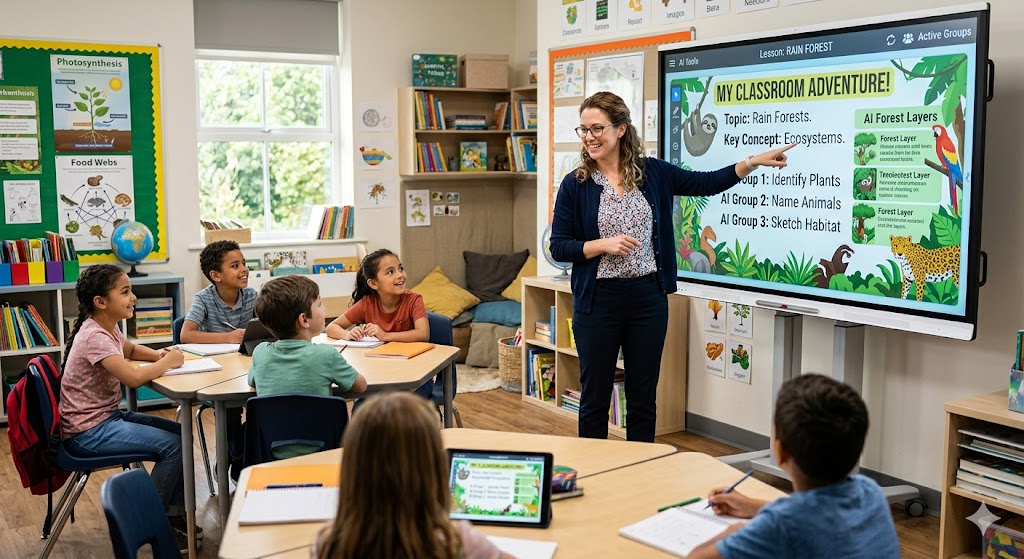
AI isn’t here to replace the human connection in teaching; it’s here to handle the heavy administrative lifting so you can focus on your students. By integrating AI tools into your workflow, you can save hours each week on prep, differentiation, and grading.
Here is a practical, step-by-step roadmap for implementing AI into your classroom workflow.
The AI Classroom Integration Framework
Step 1: Automate Your Lesson Planning (Pre-Class Prep)
Use AI lesson planning tools like MagicSchool AI or Eduaide.ai to generate structured unit plans, objectives, and time-blocked templates. Instead of staring at a blank page, you start with an 80% completed draft mapped directly to your curriculum standards.
Step 2: Differentiate Materials Instantly (Personalized Learning)
Take a single core text or assignment and run it through a dedicated differentiation tool like Diffit. You can generate three variations of the same reading passage (e.g., lower, standard, and advanced reading levels) in under a minute, ensuring all students can access the concept.
Step 3: Create Interactive Class Elements (In-Class Engagement)
Deploy classroom AI tools like Curipod or Quizizz AI to instantly build slide decks, interactive polls, or discussion prompts. Input your lesson topic, and the AI builds interactive, gamified checks for understanding to keep students engaged during the lecture.
Step 4: Generate Rubrics and Feedback Templates (Post-Class Assessment)
Feed your assignment prompt into an AI assistant to output a highly specific, multi-trait rubric. When grading, use AI to help draft actionable, strengths-based feedback responses based on the criteria you set, speeding up the essay and project evaluation cycle.
Key AI Tools Every Teacher Should Know
| Tool Type | Popular Platforms | Best Used For |
|---|---|---|
| All-in-One Teacher Assistants | MagicSchool AI, Eduaide.ai | Lesson plans, IEP suggestions, text leveling, and parent emails. |
| Presentation & Engagement | Curipod, Canva Magic Design | Creating interactive slide decks and visual handouts from a text prompt. |
| Assessment & Quizzes | Quizizz AI, Formative | Generating multiple-choice questions or exit tickets from articles and videos. |
Crucial Rule for Teachers: Always treat AI output as a “first draft.” How teachers use AI effectively depends on human oversight. AI tools can occasionally hallucinate or miss local context, so your expert human eye is required to verify factual accuracy and cultural relevance before anything reaches students.