AI Unit Plan Generator
Turn a topic, grade band, and unit length into a full backward-design unit plan — objectives, a week-by-week breakdown, assessments, and materials — in under a minute.
Runs entirely in your browser — nothing you type is sent to a server.

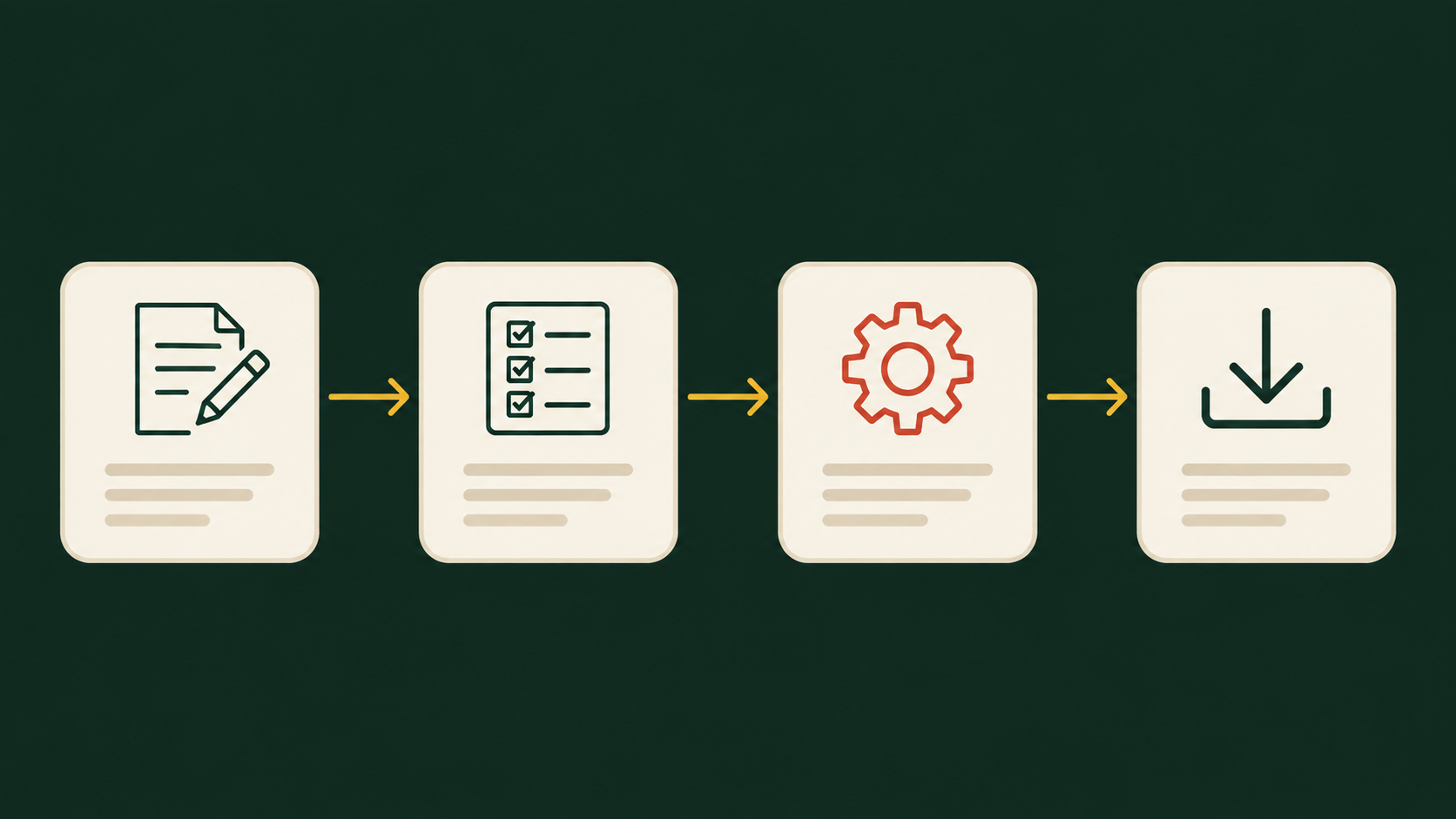
Learning objectives
Week-by-week breakdown
Summative assessment
Materials needed
Differentiation
Cross-curricular connection
What Is a Unit Plan?
A unit plan is the mid-level roadmap between a single lesson and a full course: it maps two to eight weeks of instruction around one topic, working backward from what students should know and be able to do by the end. Rather than listing daily activities in isolation, a strong unit plan starts with objectives and a summative assessment, then sequences weekly instruction so every lesson visibly builds toward that end goal.
An AI unit plan generator speeds up that first draft — turning a topic, grade band, and duration into a structured outline you can edit, rather than starting from a blank page every time you plan a new unit.
How This AI Unit Plan Generator Works
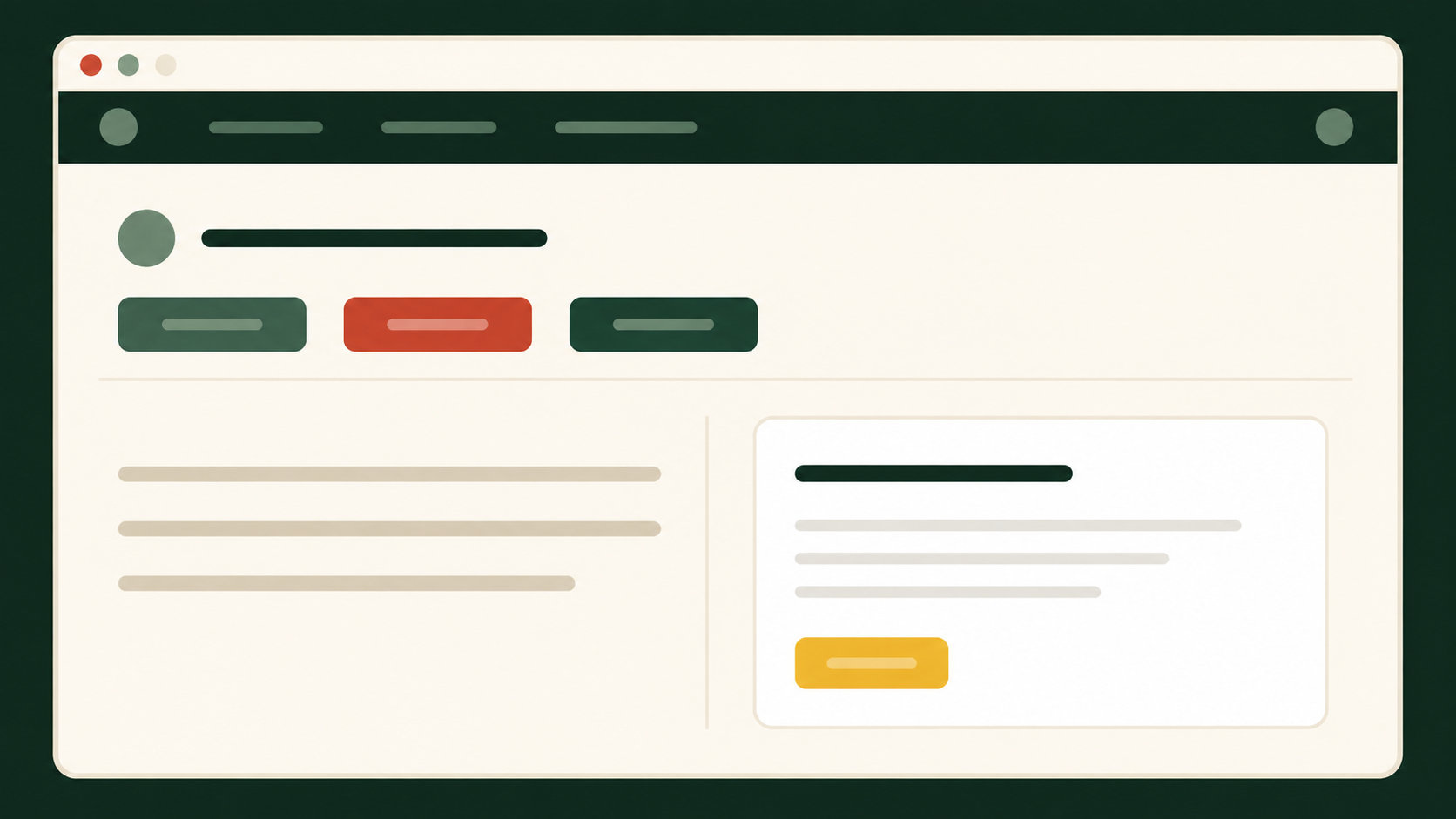
- Enter your topic and context. Type the unit topic, then choose subject area, grade band, and how many weeks the unit runs.
- Add standards, if you have them. Paste a standard code or list the key skills you’re targeting — this is optional but sharpens the objectives.
- Generate the plan. The tool builds an overview, essential question, objectives, and a tabbed week-by-week breakdown in your browser.
- Review, edit, and export. Copy the plan into your own template, print it, or download it as a text file — then adjust wording to fit your class.
What a generated plan includes
What Should a Unit Plan Include?
Whether you build it with an AI unit plan generator or from scratch, a complete unit plan should cover:
- Clear learning objectives written in student-facing, measurable language
- An essential question that frames why the unit matters
- A summative assessment identified before daily lessons are planned (backward design)
- A week-by-week sequence showing how each week builds toward the final assessment
- Formative checks throughout, not just a single test at the end
- A materials list you can prep in advance
- Differentiation notes for students who need extra support or extension
- At least one connection to another subject or real-world context
Example: A 3-Week Unit on Photosynthesis (Grade 6–8)
Here’s a condensed sample of what the AI unit plan generator produces for a 6–8 science unit — this is the level of detail you get before editing.
| Week | Focus | Key activities | Formative check |
|---|---|---|---|
| Week 1 | Inputs & outputs of photosynthesis | Diagram labeling, leaf structure lab, class discussion | Exit-ticket diagram |
| Week 2 | Light-dependent vs. independent reactions | Simulation activity, jigsaw reading, small-group modeling | Quick-write explanation |
| Week 3 | Photosynthesis & the carbon cycle | Data analysis task, peer teaching, review game | Practice quiz |
Summative assessment: A one-page infographic explaining the process and its ecological importance, presented to the class.
How Unit Plans Differ by Grade Band
K–2
Shorter units (1–2 weeks), concrete objectives, play-based and hands-on formative checks, simple picture-supported assessments.
3–5
2–4 week units, objectives introduce academic vocabulary, mix of projects and short written checks, light standards alignment.
6–8
3–5 week units, objectives target analysis and application, more independent research and lab-style formative work.
9–12
4–8 week units, objectives target evaluation and synthesis, summative work often mirrors real-world or exam-style tasks.
Best Practices for Unit Planning
- Start with the end goal — decide the summative assessment before sequencing weekly lessons
- Keep objectives to 3–5 per unit; more than that dilutes focus
- Build in a formative check every week, not just at the midpoint
- Revisit the essential question explicitly at least once each week
- Treat the AI unit plan generator’s draft as a starting point — always adjust pacing and language for your specific class
For a deeper walkthrough of backward design in practice, Edutopia’s guide on developing a successful unit plan is a useful next read.
Common Unit-Planning Mistakes
Planning lessons before the assessment. Without a clear end point, weekly lessons drift and can feel disconnected to students.
Writing too many objectives. Ten objectives for a three-week unit is unfocused — pick the 3–5 that matter most.
Skipping formative checks. Waiting until the final assessment to see if students understood the material is too late to adjust.
Copying a generated plan verbatim. An AI-generated unit plan is a first draft — pacing, reading levels, and activities still need a teacher’s judgment.
Frequently Asked Questions
Is this AI unit plan generator really free?
Yes. There’s no sign-up and no limit on how many unit plans you can generate — it runs entirely in your browser.
Does the tool align plans to specific standards?
You can paste a standard code or key skills into the optional focus field, and the generator will weave that language into the objectives. For full alignment, always cross-check against your state or district standards document.
Can I edit the unit plan after it’s generated?
Yes. Copy the output into your own planning document, or download it as a text file, and adjust wording, pacing, and activities to fit your class.
Does this send my data to an external AI service?
No. The AI unit plan generator uses a local, rule-based engine that runs in your browser — nothing you type is sent to a server. A secure backend could be connected in the future for more advanced generation.
What subjects and grade levels does it support?
Any subject area — science, math, ELA, social studies, or cross-curricular — for grade bands from K–2 through 9–12.
How long should a unit plan be?
Most classroom units run one to eight weeks. Shorter units suit younger grades and narrower topics; longer units suit high school or interdisciplinary work.
Related Reading
Try the AI unit plan generator now
Enter a topic, pick a grade band, and get a full week-by-week draft you can edit and reuse all year.