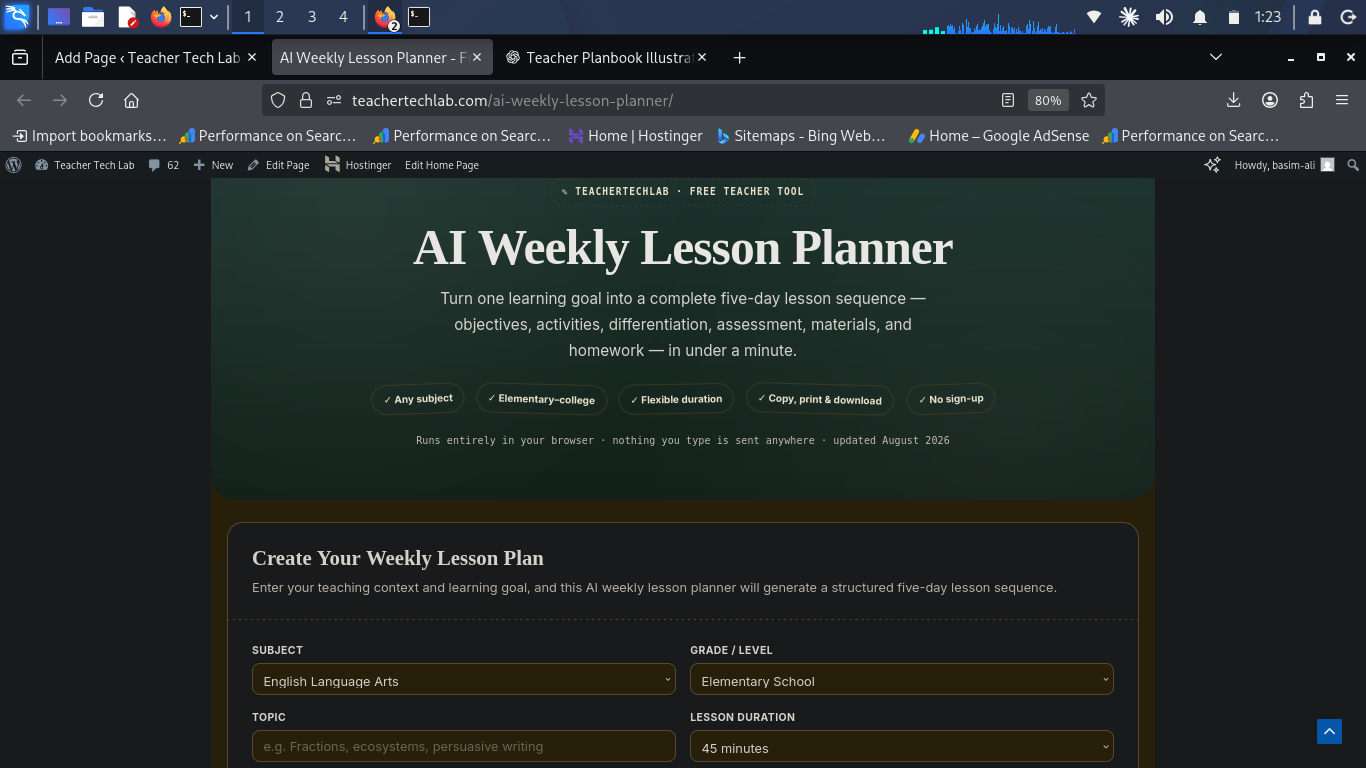
AI Weekly Lesson Planner
Turn one learning goal into a complete five-day lesson sequence — objectives, activities, differentiation, assessment, materials, and homework — in under a minute.
Runs entirely in your browser · nothing you type is sent anywhere · updated August 2026
Create Your Weekly Lesson Plan
Enter your teaching context and learning goal, and this AI weekly lesson planner will generate a structured five-day lesson sequence.
Your Weekly Lesson Plan
What Is a Weekly Lesson Plan?
A weekly lesson plan is a structured outline that connects several days of instruction to one learning goal, instead of planning each class in isolation. A good weekly lesson planner moves students through a logical arc — introduction, instruction, practice, application, and assessment — while leaving room to adjust based on how students actually respond. This AI weekly lesson planner turns that structure into a five-minute task instead of a fifty-minute one.
How the AI Weekly Lesson Planner Works
This planner turns your subject, grade level, topic, and learning goal into a five-day framework you can review and adapt. The current version runs a local planning engine directly in your browser — it does not send classroom data to an external AI service, and it does not pretend to call one.
- Choose your subject and grade level to set the teaching context.
- Enter your topic — the concept, unit, or skill for the week.
- Define the learning goal so activities and assessment stay aligned.
- Add classroom context — prior knowledge, resources, or student needs.
- Generate, then review — treat the output as a starting point, not a replacement for your professional judgment.
Day 1 — Introduce
Activate prior knowledge and establish the main concept or question.
Day 2 — Model & Practice
Explicit instruction plus guided practice with teacher feedback.
Day 3 — Apply
Students move toward active application, often in pairs or groups.
Day 4 — Practice Independently
Build independence and close remaining gaps before assessment.
Day 5 — Assess & Reflect
Measure progress against the goal and set up next steps.
What Should a Weekly Lesson Plan Include?
- A clear weekly learning objective
- Daily instructional activities that build on each other
- Teacher explanation or mini-lessons
- Student practice and application
- Differentiation and support strategies
- Formative assessment checkpoints throughout the week
- Materials and classroom resources
- Homework or extension activities
- An end-of-week assessment and reflection
Weekly Lesson Plan Example
How one topic can be organized across five connected lessons:
| Day | Focus | Activity | Assessment |
|---|---|---|---|
| Monday | Introduction | Activate prior knowledge and introduce the concept. | Quick diagnostic questions. |
| Tuesday | Instruction | Teacher modeling followed by guided practice. | Observation and questioning. |
| Wednesday | Application | Students apply the concept in pairs or groups. | Formative task. |
| Thursday | Independent Practice | Students complete an independent application task. | Work review and feedback. |
| Friday | Assessment | Review, assessment, and reflection. | Exit task or short assessment. |
Built for Every Grade Level
Elementary Teachers
Connect short, age-appropriate activities to a clear weekly goal, with room for repetition and extra support.
Middle School Teachers
Sequence instruction, guided practice, collaboration, independent work, and assessment around one shared topic.
High School Teachers
Plan more complex concepts, independent learning, discussion, application, and assessment across the week.
Best Practices for Weekly Lesson Planning
Start with the outcome, not the activities
Whether you use this AI weekly lesson planner or plan from scratch, define what students should demonstrate by Friday, then work backward: identify prior knowledge, break the goal into daily steps, choose activities, plan formative checkpoints, and add differentiation. This is the same backward-design approach Edutopia recommends for keeping objectives, instruction, and assessment aligned.
Connect every lesson
Each day should build toward the same weekly objective rather than standing alone.
Build in formative assessment
Use questioning, observation, and short tasks to catch misunderstandings before the final assessment.
Plan for differentiation
Vary support, challenge, and pacing so the same plan works for the range of students actually in the room.
Leave room to adjust
A weekly plan should guide instruction without being so rigid that you can’t respond to how the week is actually going.
Common Weekly Lesson Planning Mistakes
- Planning activities before defining a clear learning objective
- Trying to fit too much content into one week
- Using the same activity format every day
- Leaving assessment until the final lesson
- Ignoring prior knowledge and student needs
- Building a plan that’s too rigid to adapt mid-week
- Disconnecting homework from what happened in class
Frequently Asked Questions
Is this a real AI lesson plan generator?
How can I create a weekly lesson plan with this tool?
How can AI help with lesson planning generally?
Can elementary, middle school, and high school teachers use it?
Can I print or download the weekly plan?
Related Reading
- AI Lesson Planning Tools for Teachers — a broader roundup if you want to compare this AI weekly lesson planner against other options.
- Using ChatGPT for Lesson Planning — for teachers who want to combine this planner’s structure with a conversational AI for extra detail.
Ready to Plan Your Week?
Start with your subject, grade level, topic, and learning goal — this AI weekly lesson planner does the rest, and you adapt it to your classroom.